Virus Removal
Detection and removal of common computer viruses that cause crashes, file problems, unusual activity or reduced performance.
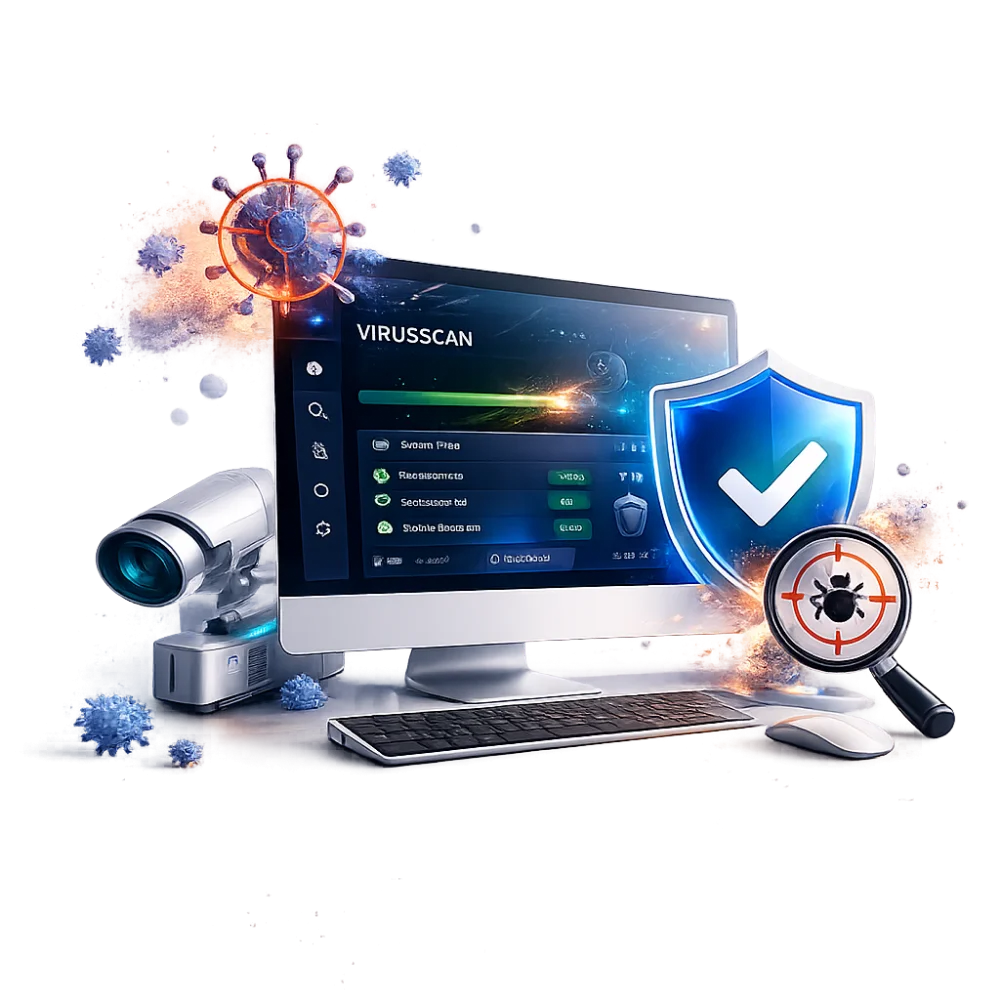
From viruses, spyware and browser hijacks to unwanted programs, pop-ups and suspicious system behaviour, our technicians assess, clean and secure affected Windows and Mac computers.
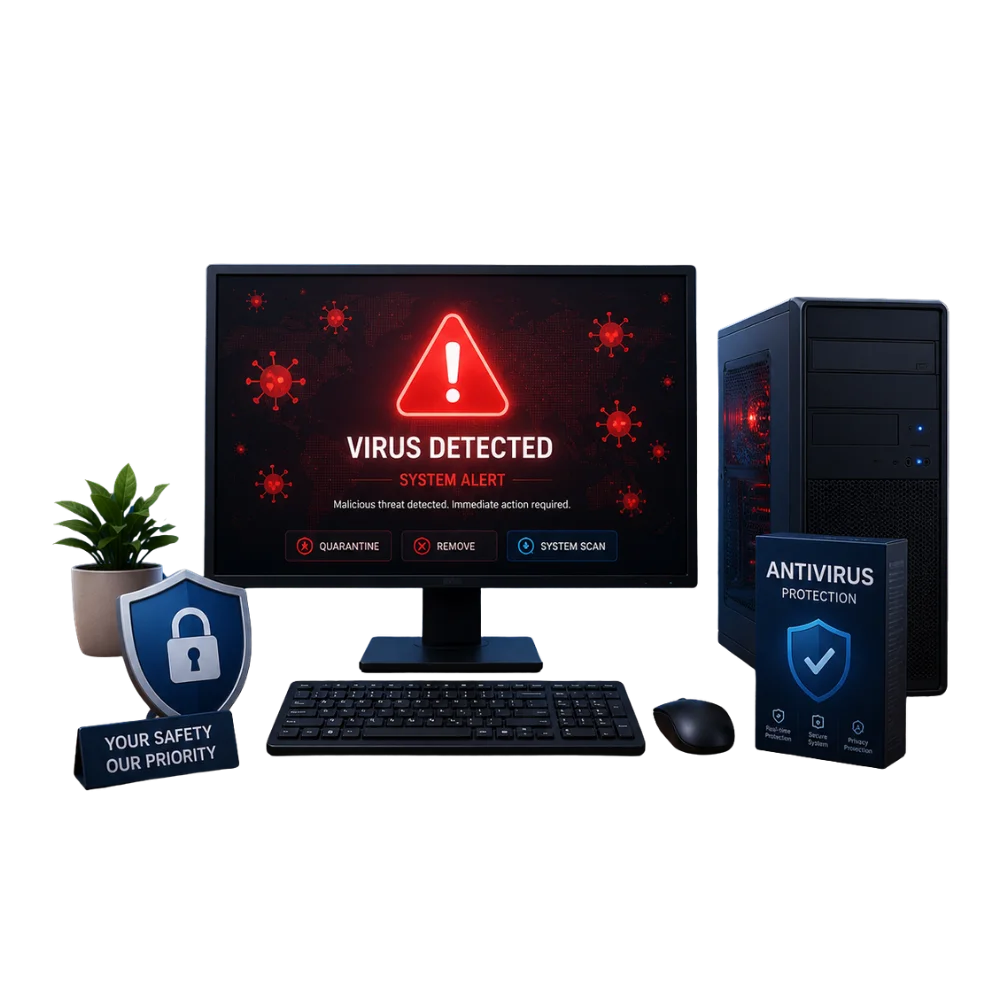
Malware can slow a computer, change browser settings, display repeated pop-ups, steal information or damage system files. We assess the computer carefully before removing suspicious programs and repairing affected settings.
We support selected Windows and Mac computers with virus, malware, spyware, adware and browser-related problems. The available recovery options depend on the type of infection and the condition of the system.
Different threats can cause similar symptoms, so we scan and inspect the computer before confirming the cleanup and repair work required.
Detection and removal of common computer viruses that cause crashes, file problems, unusual activity or reduced performance.
Removal of malicious programs, unwanted software and suspicious background processes affecting security, stability or performance.
Assessment and removal of spyware, tracking tools and unwanted monitoring software found on supported systems.
Cleanup of unwanted redirects, fake search pages, intrusive extensions, pop-ups and browser settings changed without permission.
Removal of adware and intrusive software causing repeated pop-ups, notifications, unwanted advertisements and slow browsing.
Initial assessment of systems affected by ransomware or locked files, with advice on practical recovery and security options.
Installation and configuration of approved antivirus, anti-malware and security tools suited to the computer and user.
Post-cleanup optimisation for systems slowed by malware, unwanted software, excessive startup items or damaged settings.
Not sure whether the system is infected? We can inspect suspicious behaviour, scan the computer and explain the likely next step.
Select a threat category to see examples of the cleanup and protection work we can provide.
We assess and remove common viruses that affect system stability, files, startup behaviour and everyday computer use.
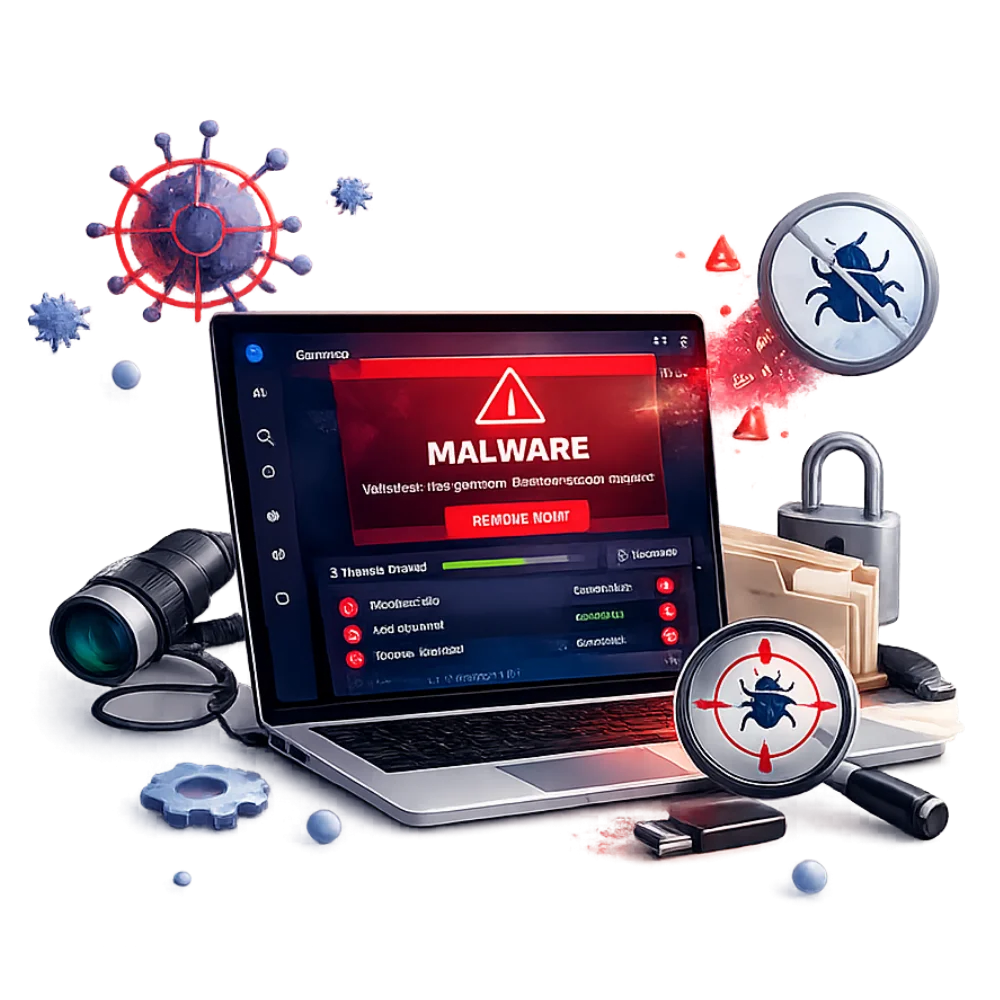
Removal of malicious programs, spyware, unwanted background processes and suspicious software affecting security or performance.
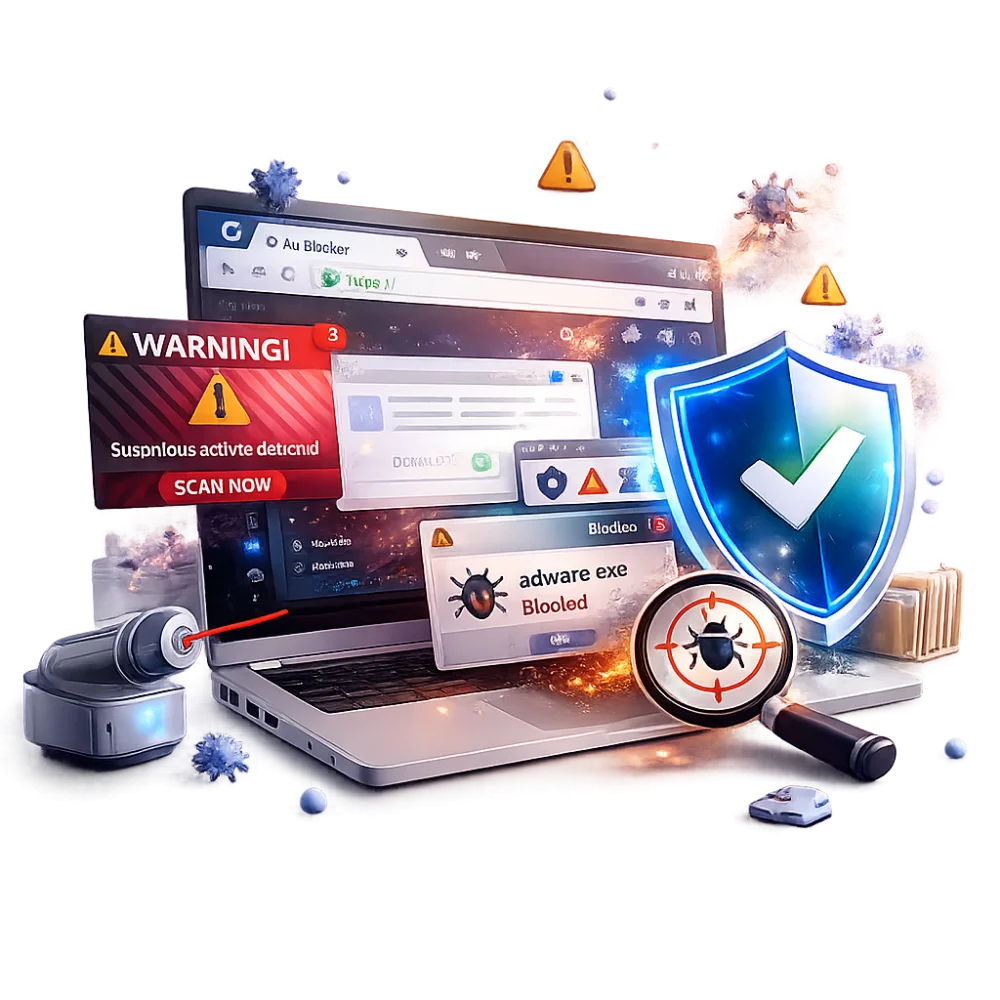
Cleanup of browser redirects, unwanted extensions, fake search pages, pop-ups and adware affecting normal browsing.
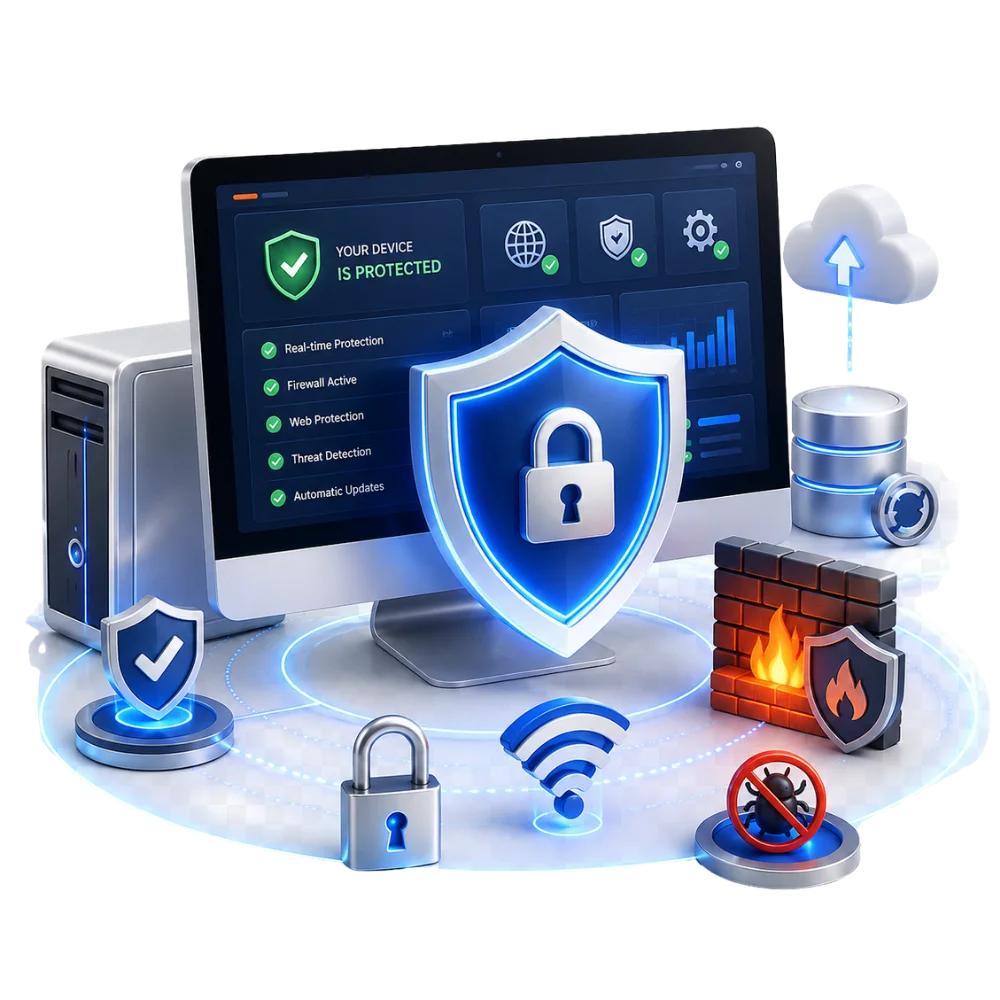
Post-cleanup protection support, including approved security software, updates, safer settings and practical advice to reduce repeat infections.
We follow a careful process to identify suspicious activity, remove threats, repair affected settings and test the computer afterwards.
Book a Security AssessmentLet us know about pop-ups, redirects, slow performance, unknown programs, suspicious messages or other unusual activity.
We inspect the system, startup items, browser settings and installed software to identify likely threats and damage.
We explain the recommended removal, repair and security work, including the expected cost and likely completion time.
After approval, we remove identified threats, repair affected settings and test the computer before return.
We focus on identifying the actual threat, removing unwanted software and helping reduce the risk of repeat infections.
We inspect the system, browsers, startup items and installed software before beginning cleanup.
We explain practical security steps, software and update recommendations after cleanup.
We explain the likely cleanup cost before approved work begins and advise you if further system repair is needed.
We can address selected startup, browser and performance problems caused by malicious or unwanted software.
A few precautions can help protect your accounts and prevent the threat from causing further problems.
Do not use the affected computer for online banking, shopping or important account logins until the system has been assessed.
Note any pop-ups, redirects, suspicious programs, messages or events that happened before the problem began.
Back up important personal files only when it is safe to do so, and avoid copying unknown programs or suspicious files to another device.
Find answers to common questions about infections, ransomware, stored files, antivirus protection and removal time.
Common signs include slow performance, repeated pop-ups, browser redirects, unknown programs, disabled security tools, unusual account activity and crashes. A proper scan is needed because some infections show very few visible symptoms.
Many infections can be removed without intentionally deleting personal files. However, damaged or encrypted files may not be recoverable, so backing up important data is recommended whenever the computer is still accessible.
We can assess ransomware-affected systems and explain the available cleanup and recovery options. File recovery depends on the ransomware type, backups and whether the data has been encrypted or damaged.
No security product can prevent every threat. Antivirus software, updates, strong passwords, careful browsing and regular backups work together to reduce risk.
Time depends on the infection, system speed, number of files and whether the operating system has been damaged. Some cleanups are completed quickly, but severe infections may require additional testing or system repair.
Disconnect from sensitive accounts, avoid online banking, do not enter passwords and stop installing random cleanup tools. Contact us with the symptoms so the system can be assessed safely.
Tell us what the computer is doing and when the problem started. Our team can arrange a security assessment and explain the available cleanup options.
Fast, affordable, and expert tech repairs for iPhones, iPads, MacBooks, Samsung devices, gaming consoles, and more.