Operating System Support
Help with Windows and macOS setup, updates, startup problems, system errors and general operating-system configuration.

From software installation and operating-system problems to email setup, updates, performance issues and device configuration, our team provides practical computer support for home users and small businesses.
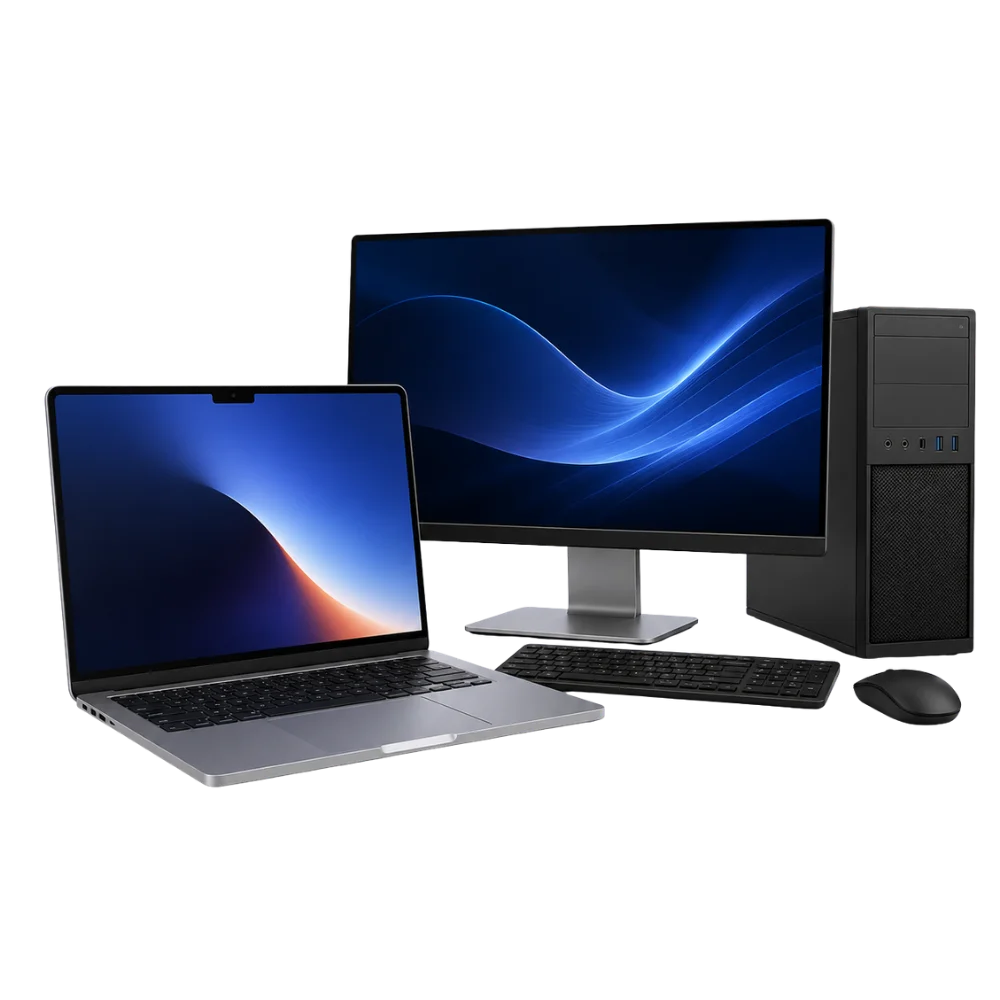
Computer problems are not always caused by failed hardware. Software, updates, user accounts, drivers, email settings and connected devices can all affect how a system works.
We provide support for selected Windows and Mac computers, helping home users and small businesses set up systems, resolve everyday technical issues and improve reliability.
We review the computer, software and connected devices before recommending the most practical support option.
Help with Windows and macOS setup, updates, startup problems, system errors and general operating-system configuration.
Installation and configuration of approved applications, productivity tools, browsers, utilities and essential system software.
Setup and troubleshooting for email accounts, cloud services, user profiles, passwords and selected account synchronisation problems.
Assessment of slow startup, lagging applications and poor system performance, followed by practical software and hardware recommendations.
Connection and configuration of printers, scanners, webcams, keyboards, mice and selected external devices.
Help setting up backups, moving files between computers and organising important documents before upgrades or system changes.
Support for selected password, profile, permission and login problems affecting access to a computer or software account.
Troubleshooting for failed updates, missing drivers, hardware compatibility errors and devices that stop working after a system change.
Not sure what is causing the problem? We can review the system, reproduce the issue and recommend the most practical next step.
Select a category to see examples of the system support we can provide. Service availability depends on the device, software and account access.
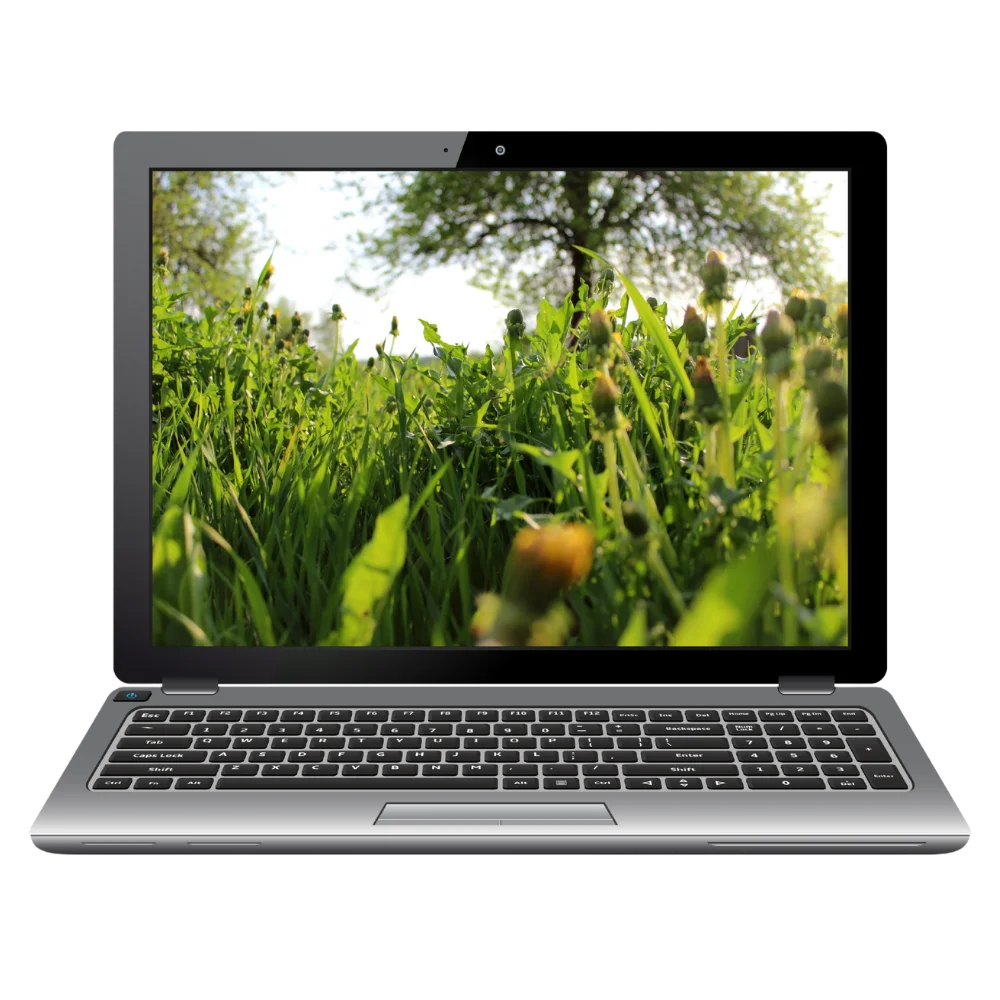
Support for selected Windows laptops and desktop PCs, including setup, updates, drivers, user accounts, software and performance problems.
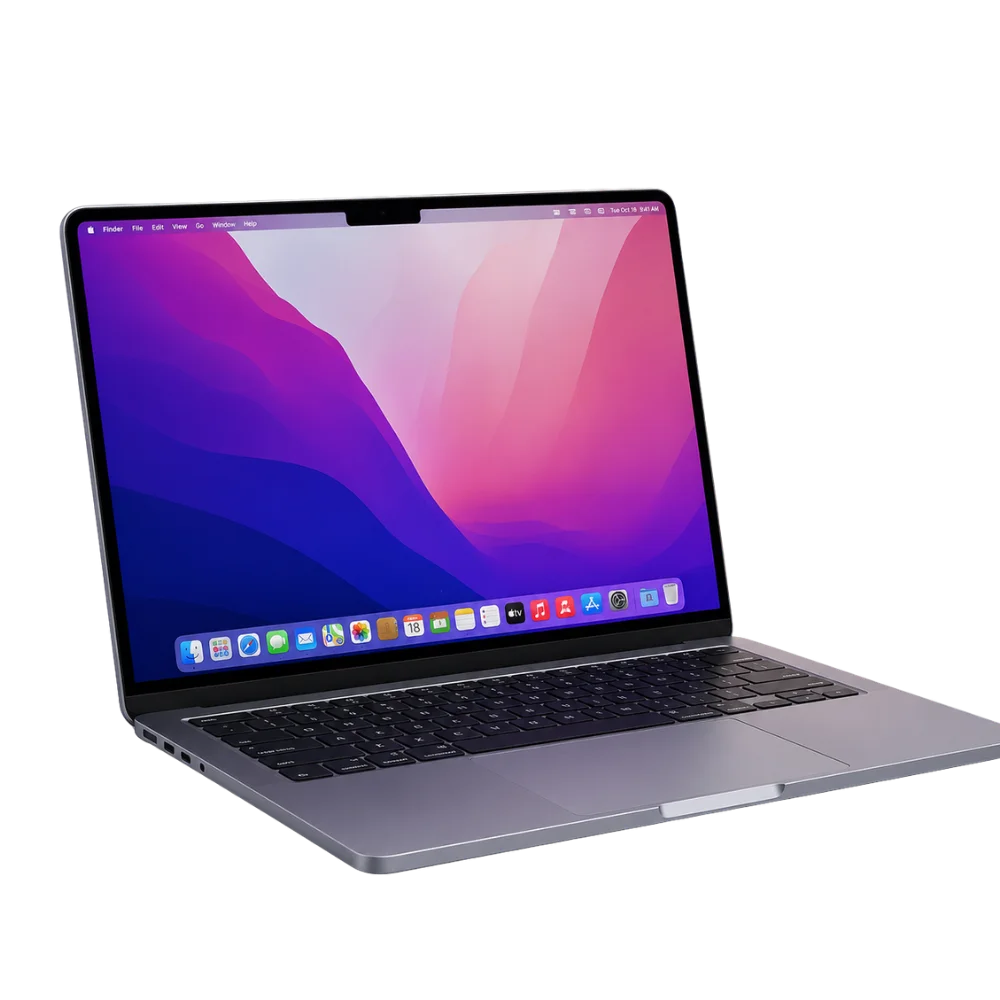
Help with selected MacBook and iMac software, updates, user accounts, email, backups and performance issues.
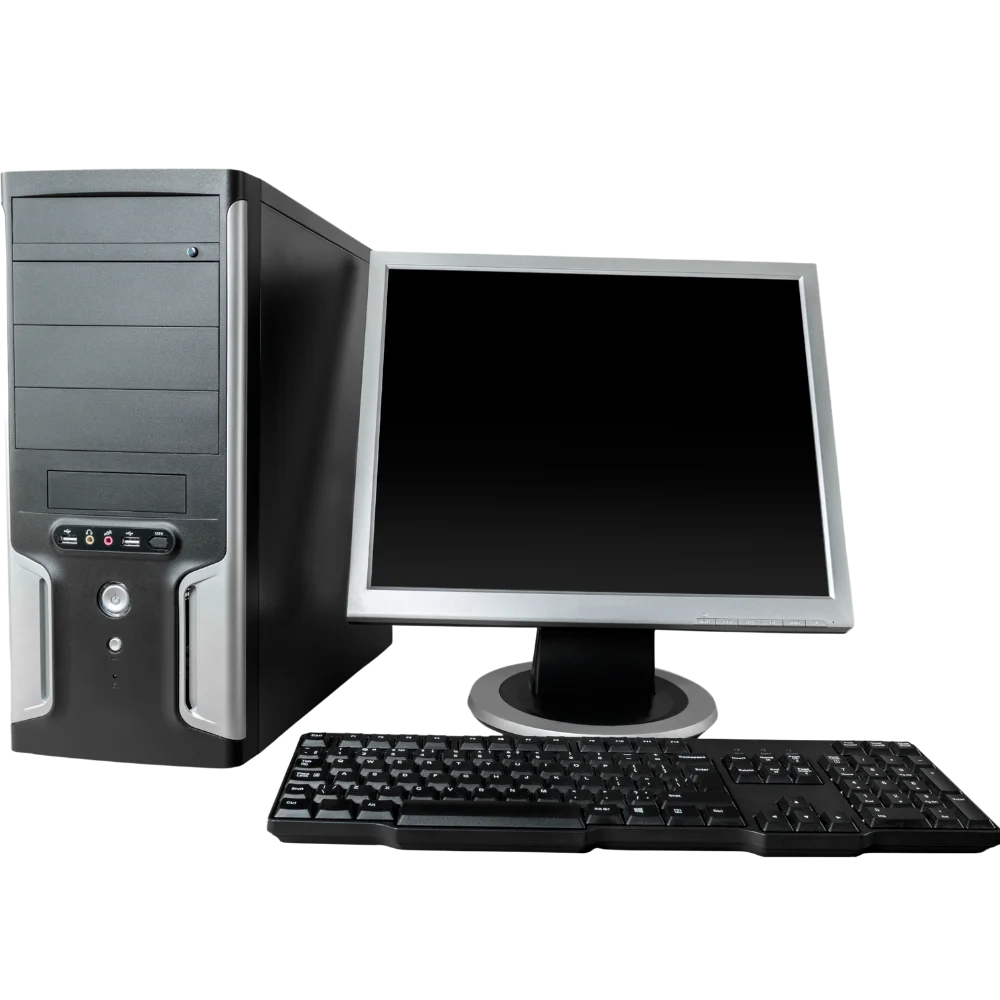
Practical support for home users who need help setting up a computer, connecting devices, managing files or resolving everyday software problems.

Support for selected small-business computers, user accounts, email, printers, software and day-to-day technical issues.
We keep the process clear from the first description of the issue through to setup, troubleshooting and final testing.
Book a Support AssessmentLet us know the computer type, operating system, software or connected device involved and the problem you are experiencing.
We review the relevant settings, software, accounts, updates and connected hardware to identify the likely cause.
We explain the recommended setup, troubleshooting or upgrade work and confirm the expected cost before proceeding.
After approval, we complete the agreed support work and test the relevant system functions before handover.
We focus on practical troubleshooting, clear explanations and support suited to the computer, user and intended outcome.
We review the system and reported problem before recommending setup or troubleshooting work.
We help with operating systems, software, email, accounts, printers and other everyday computer needs.
We explain the likely support cost before approved work begins and advise you if additional work is needed.
Our recommendations are based on the system, user requirements and whether further repair or upgrading is worthwhile.
A few details can help us understand the problem and prepare for the support work you require.
Provide the computer model, operating system and the name of any software, account or connected device involved.
Some setup and troubleshooting tasks require account access, passwords or verification codes. Keep these available without sharing them before they are needed.
Create a backup whenever possible before major updates, file transfers or system changes. Data loss cannot be completely ruled out.
Find answers to common questions about system setup, Windows and Mac support, performance, accounts and small-business assistance.
Computer system support can include setup, updates, software installation, email configuration, printer connection, user account assistance, performance troubleshooting and general help with everyday computer problems.
We provide support for many Windows laptops, desktop PCs, MacBooks and iMacs. The available service depends on the system version, hardware, software and specific problem.
Yes. We can help with initial setup, updates, user accounts, approved software, email, printers, file transfer and other essential configuration.
We can assess slow performance and recommend practical improvements. The solution may involve removing unnecessary software, correcting system problems, installing updates or recommending a hardware upgrade.
We can assist with selected email setup, account synchronisation, user profiles and password-related issues. Some account recovery actions may still require access to the provider's verification methods.
We can assist selected small businesses with computer setup, user accounts, email, printers, software and day-to-day technical issues. Contact us with the number of systems and the support required.
Tell us the computer type, software or account involved and what is going wrong. Our team can arrange a support assessment and explain the next steps.

Fast, affordable, and expert tech repairs for iPhones, iPads, MacBooks, Samsung devices, gaming consoles, and more.